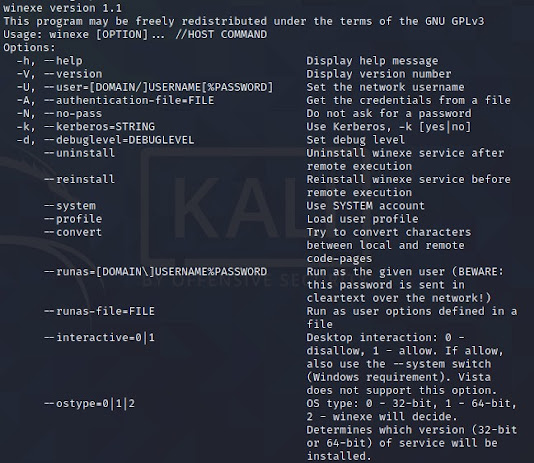
可以呼叫內網裏頭的 window電腦, 執行cmd 指令 其實現在個人防火牆 都有鎖定 安裝: sudo dpkg --add-architecture i386 sudo apt update sudo apt install wine 執行: 執行對 網路上win電腦(IP:192.168.1.116), 帳號: administrator,密碼會下一行出現要求輸入... sudo winexe -U 'Administrator' //192.168.1.116 'cmd.exe /c echo "this is running on windows"' winexe version 1.1 This program may be freely redistributed under the terms of the GNU GPLv3 Usage: winexe [OPTION]... //HOST COMMAND Options: -h, --help Display help message -V, --version Display version number -U, --user=[DOMAIN/]USERNAME[%PASSWORD] Set the network username -A, --authentication-file=FILE Get the credentials from a file -N, --no-pass ...


留言
張貼留言